Choose apps
Select the apps you want to pause.
 Fast From…
DIGITAL FASTING APP
Fast From gives you a defined period away from selected apps. Choose the time, and those apps stay paused until your fast ends.
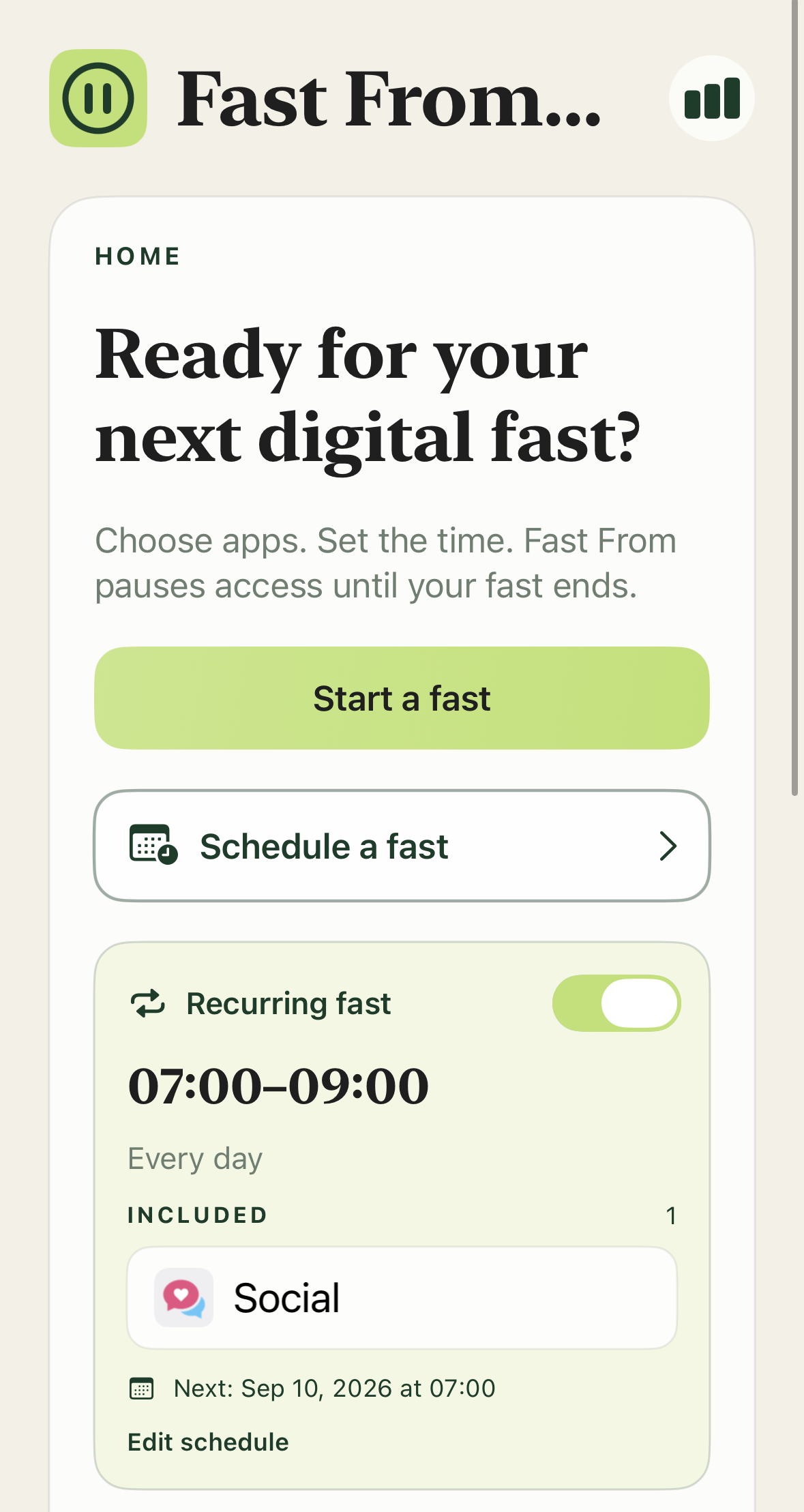
HOW IT WORKS
Select the apps you want to pause.
Choose how long the fast will last.
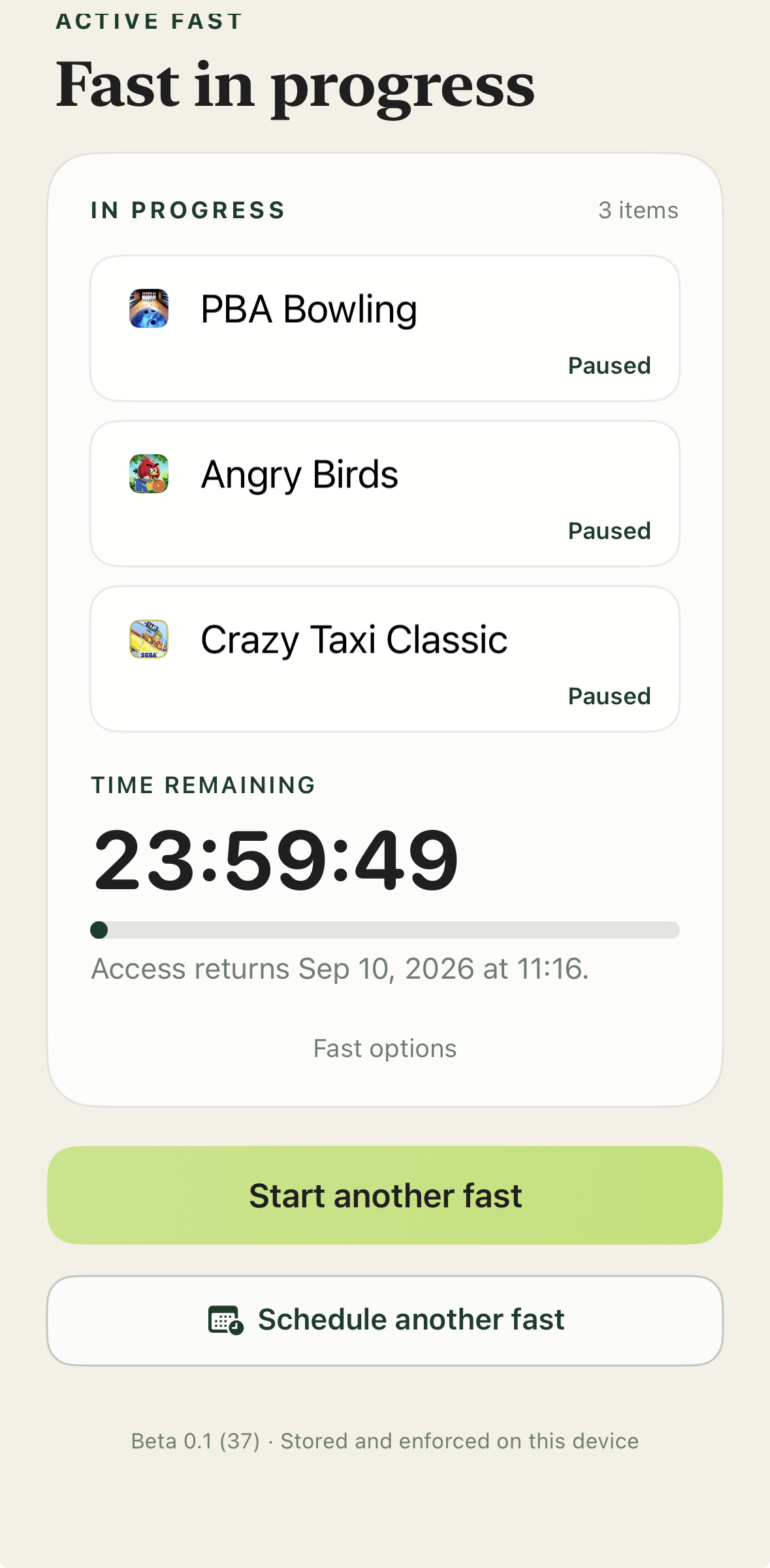
The selected apps stay paused until the fast ends.
FEATURES
Schedule fasts for specific apps and times.
Use a partner code when you want another person involved in ending a fast early.
Record why you are taking a fast and reflect when it ends.
Review completed fasts and the time you made available.
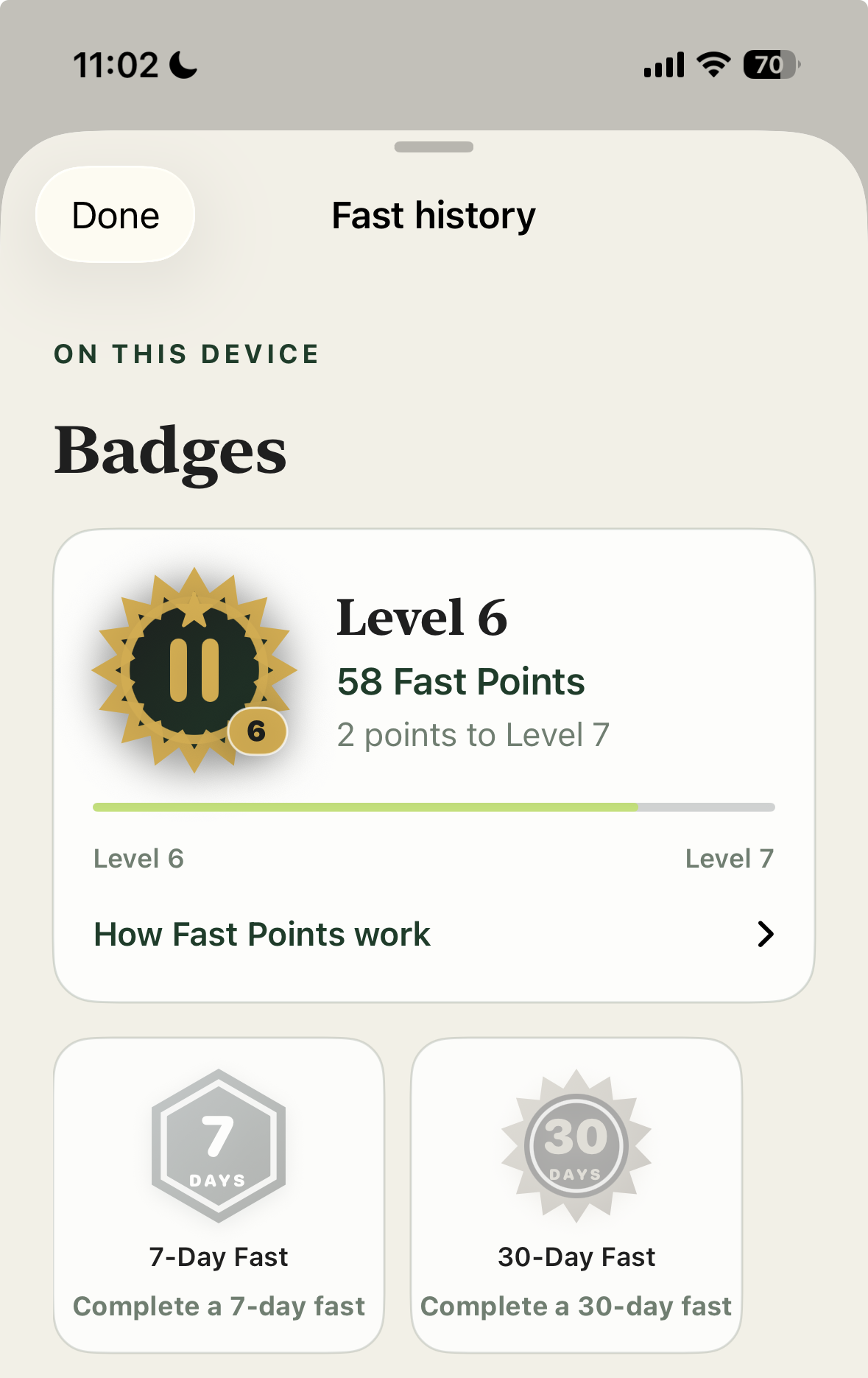
See your fasting time, levels, badges, and milestones.
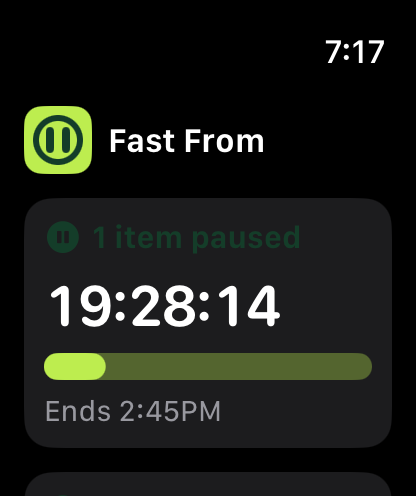
Follow active fasts and start a recent fast from your wrist.
Receive general encouragement during a fast. Optional faith-based encouragement contains Christian messages with Scripture references and starts Off until you choose it.
IN THEIR OWN WORDS
Fast From has helped me stay more focused on my tasks and provided a space for me reset and remember what my true priorities are. What stood out to me was that after fasting from some apps I realized how much less I wanted to use those apps.
Bella W.College Student
I actually love the concept of it! I just switched my Sabbath time so it’s really helped me to retrain my habits. When I find myself going into work emails or apps, it reminds me of what my real focus should be.
Kristen B.
In our fast paced and ultra-connected world, it can feel difficult to make space for intimacy with God. In this, Fast From is a gift! It is super intuitive and easy to use, giving you the practical help you need to actually set a fast and keep it! Highly recommended!
Pastor Chuck AmmonsLead Pastor, Overflow ChurchAuthor, Reconstructing Dad
Fast From is such a thoughtful and well-designed app. I love the idea of being more intentional with our phones and creating space to focus on what actually matters. It’s simple, encouraging, and easy to use. I especially appreciate that it feels less like another set of rules and more like a practical tool for being present and intentional. Definitely worth trying if you’re looking to cut down on distractions and be more mindful about your screen time.
Charity R.
Starting my day with a scheduled, recurring fast helps me focus on what’s most important, rather than the digital things that scream for my attention. I appreciate that extra support.
Lisa W.Homeschool mom
The Fast From App is incredibly helpful in resetting daily and weekly rhythms. It showed me just how often I absentmindedly reach for my phone. When using it, I find my mind relaxing and my soul taking a refreshing deep breath.
Josh B.
Fast From has been a true gift to my mornings. I’ve purposed to spend time in the Word and in quiet in the mornings but often times I’d pick up my phone instead, getting “sucked in.” Scheduling fasts for my first few hours awake allowed me to feast on the Fresh Manna for the day, gathering His new mercies, worshiping in gratitude and looking forward to my day with Jesus rather than filling up on junk.
Brenda BaloghNextGen Pastor, Overflow Church
3 MONTHS FREE
Make space for focused mornings, quieter evenings, or more time together. Start with one digital fast and explore a routine that fits your life.
Try Fast From free for 3 months. Cancel anytime.
Download on theApp StoreChoose your access
For eligible new Annual Access subscribers. Renews automatically at the price for your App Store country unless canceled. Cancel at least 24 hours before your trial ends to avoid the first annual charge.
Annual Access renews each year until canceled. Lifetime Unlock is a one-time purchase. Both options work across your supported Apple devices and are eligible for Apple Family Sharing.
View pricing